
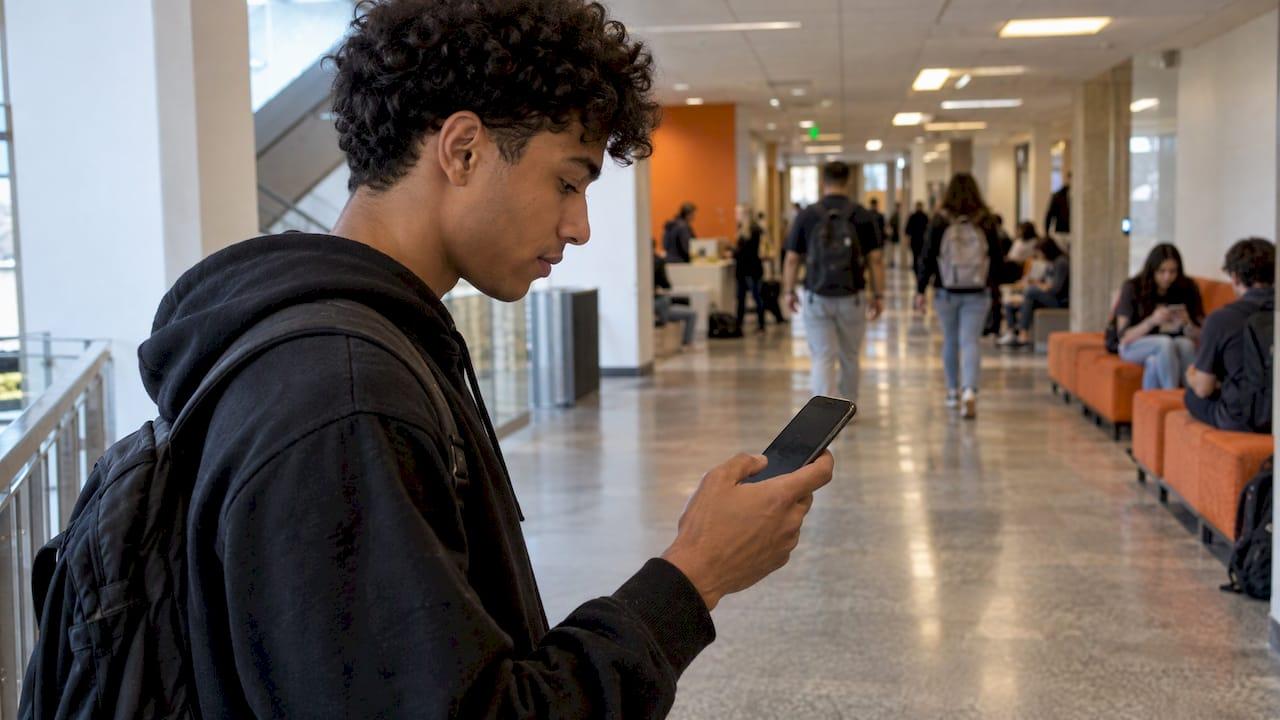
Notification overload happens when so many pings reach your phone and laptop that you stop reading them, or stop being able to focus between them. The fix is not zero alerts. It is fewer sources, a short allow-list of alerts that can interrupt you, and one calendar that holds every deadline, so you are not relying on a hundred small nudges to remember what is due. We built Semester Flow around that last piece: you upload your syllabi, and the deadlines land in Google Calendar without you copying them by hand.
TL;DR
- Notification overload is a mix of volume and the mental pull of each alert. Both interrupt attention and can make students tune out the messages that matter.
- Turning off communication-app notifications for even a day improved performance and reduced strain in a 2023 field experiment.
- Keep alerts from people and deadlines that need action. Mute or batch social feeds, group chats, promotions and most app badges.
- Set up a Focus or Do Not Disturb mode with an allow-list, plus two or three scheduled check-in times, in about 15 minutes.
- Put every due date in one calendar so a muted phone never means a missed deadline.
Table of Contents
- What notification overload looks like in college
- What it costs you: attention, grades and stress
- It is not only about how many alerts you get
- Which notifications to keep, mute or batch
- A 15-minute setup that holds
- The real risk of muting: missing a deadline
- Fewer alerts, better ones
- For chapters and administrators
- Our perspective
- Start with one calendar
- If overload keeps getting in the way
- FAQ
- Sources
What notification overload looks like in college
It rarely announces itself. You open your phone to check one thing and surface twenty minutes later. You have 40 unread emails from three course platforms, two group chats, a campus app and a dozen apps sending badges. You skim the lock screen, swipe things away and, a week later, realize a quiz window closed.
Researchers describe this as a specific form of information overload. Feng and Agosto's study of mobile information overload found that people feel overwhelmed by information flooding their smartphones, with symptoms including mental stress and inefficiency. One participant described too many notifications exploding at the top of the screen. That is different from drowning in readings. The problem is not the amount of content you have to learn. It is the constant, fragmented demand for your attention.
A 2021 study of 12 U.S. college students found a similar picture: heavy daily phone use, large quantities of notifications, and students building their own organization strategies to filter what reached them. In other words, students already know something is wrong and are improvising fixes.
What it costs you: attention, grades and stress
The evidence points the same direction across several kinds of studies.
Interruptions reduce performance. In a 2023 field experiment with 247 participants, 124 people disabled communication-app notifications for one day. Fewer notification-caused interruptions improved performance and reduced strain. The effect depended on traits such as fear of missing out and the pressure to reply quickly, which matters for anyone who feels they must answer every message right away.
Multitasking hurts learning. A 2018 literature review found that media multitasking interferes with attention and working memory and is linked to lower GPA, weaker test performance, poorer recall and reading comprehension, and worse note-taking. In one experiment it cites, students who texted a lot during a lecture scored 10.6% lower on a later test than students who texted little, roughly one letter grade.
Attention fragments. A 2025 systematic review describes how omnipresent notifications and constant connectivity create a culture of continuous partial attention. Most of the issues it identified were personal performance problems, led by an inability to keep sustained attention.
Even unopened alerts count. A buzz you never touch can still pull your focus. That is why putting the phone in another room works better than simply turning the screen face down.

It is not only about how many alerts you get
A 2025 mixed-methods study of 160 undergraduates found that raw notification count did not significantly predict cognitive or emotional outcomes. Alert fatigue and attention disruption were the strongest predictors of lower well-being. Students described mental overload, a sense of intrusion and trouble regulating their own phone use.
The practical lesson is that cutting the number is only half the job. Ask of each alert: does it demand a decision from me, and does it arrive at a time I can act on it? An alert that is irrelevant or arrives mid-lecture does damage even if it is only one of five that day.
There is a flip side. A 2025 quasi-experimental study of 53 students found that regular push notifications from a learning platform improved engagement and self-regulation, reduced procrastination and sped up task completion, including assignment submission. The authors also warned that a high volume can desensitize students. So the goal is a small number of alerts you trust, not silence.
Which notifications to keep, mute or batch
Use three buckets. Do this once, then revisit it at the start of each semester when your course platforms change.
| Bucket | What goes in it | How to handle it |
|---|---|---|
| Keep as interrupts | Calls and texts from family, advisors and roommates; calendar reminders for deadlines and exams; urgent notices from your course platform | Allow through Focus or Do Not Disturb |
| Batch | Email, group chats, campus announcements, club messages | Turn off alerts and check at set times |
| Mute | Social media, games, shopping and promotional apps, news badges | Turn off notifications entirely, or move the app off your home screen |
Two rules keep this from backfiring. First, never mute a source before you know where its important content will show up elsewhere. A professor who posts deadline changes only to a course platform needs that platform on your allow-list or its dates copied to your calendar. Second, keep messages from people you live with and family allowed. Farmingdale State College's focus-routine guide points out that the aim is fewer interruptions, not zero contact.
A 15-minute setup that holds
Here is a routine assembled from university guidance. It takes about a quarter of an hour.
- Pick your focus blocks. Farmingdale suggests a 25-minute work and 5-minute break timer, or 50/10 for longer tasks. Schedule the block on the days and hours you actually study, such as weekdays 4 to 6 PM.
- Turn on a Focus mode. On iPhone, use Study Focus. On Android, use Do Not Disturb in its Study mode. Schedule it so it starts without you thinking about it.
- Build the allow-list. Add Favorites, advisors and the few apps that carry real deadlines: your calendar, your course platform, and Gmail's Important messages if you use them.
- Do a short mid-session check. Two or three minutes between blocks to look at anything urgent is enough, and it makes the quiet easier to keep.
- Schedule check-in times. UNC's Learning Center recommends designated daily times for email and necessary websites, along with turning off notifications and keeping the phone in another room or your bag. A student's system described by TimelyCare uses two 30-minute blocks a day for email and messages.
- Move tempting apps. UNC also suggests moving them to a later home screen so opening them takes a deliberate act.
Does suppression really help? A 2026 Utah State University thesis looked at 22 intro programming students and found a 19% decrease in programming breaks when notifications were suppressed, though the effect varied from student to student. Treat your first two weeks as a trial and adjust the allow-list to your own habits.
The real risk of muting: missing a deadline
Most students keep notifications on because they are afraid of missing something. That fear is reasonable. The way out is to stop using notifications as your memory. Deadlines should live in one place that you check on purpose.
That is harder than it sounds. A typical semester has five syllabi, each with a different format: due dates in a table, exam dates in a paragraph, a late policy on page six. Copying all of it into a calendar by hand takes hours, and it is exactly the kind of chore people skip, which then pushes them to rely on alerts from several platforms.
This is the step where we take work off your hands. In Semester Flow, you upload your syllabus, including a photo of it, and the AI extracts class schedules, assignments and exams and syncs them to Google Calendar. Once the dates are in one calendar, you can silence most other apps and let a single reminder channel carry the load. If your semester is already crowded, our system for managing college deadlines with syllabus sync walks through the weekly routine, and the 72-hour triage plan helps when you are already behind.

Fewer alerts, better ones
Once your calendar is the source of truth, the alerts you keep should do real work. Two kinds are worth allowing through:
- Deadline reminders set a day or two ahead for big items, not minutes before.
- Grade and risk signals that tell you a course is slipping while you can still fix it. Semester Flow tracks your GPA in real time, flags at-risk courses and gives you actions to take, so one meaningful alert replaces the habit of refreshing your grade portal. Our guides on real-time study alerts and at-risk course alerts explain how to act on them.
If you work part-time or have a packed week, the schedule matters as much as the settings. A realistic weekly study plan around work hours shows how to fit focus blocks around a job, so your quiet time is protected instead of squeezed in whenever the phone happens to be silent.
For chapters and administrators
Fraternities, sororities and campus groups face a version of this at scale: officers send reminders about study hours, GPA requirements and events through group chats, and members mute the chat. A cleaner pattern is one shared source of truth plus a few scheduled messages. Semester Flow's organization plans include group onboarding, collaboration and admin dashboards for tracking member progress, so an academic chair can see who needs help without chasing people through message threads. Pricing for organizations is not published, so check the pricing page for how to get started.
Our perspective
We think notification overload is usually a planning problem wearing a phone problem's clothes. Students leave alerts on because they do not trust themselves to remember everything, and they do not trust themselves because the information is scattered across syllabi, portals and group chats.
So we start earlier than the settings menu. If every assignment, exam and class time from every syllabus is already in your calendar, you can turn most of the noise off without fear. That is what Semester Flow is designed to do: read the syllabus, including photos and complex grading policies, sync the dates both ways with Google Calendar, and keep your GPA and grade projections current.
From there, the alerts that remain are the ones that matter: a deadline coming up, or a course that is sliding. Fewer pings, each one worth acting on. That is the kind of academic planner we wanted when we were the ones juggling five syllabi.
Haden
Start with one calendar
Semester Flow's Pro plan is $7.99 per month, a Parent plan for monitoring a student's progress is $15 per month, and there is a free trial so you can upload a syllabus and see your semester land in Google Calendar before you pay anything. Organization plans for chapters and academic groups are available on request.
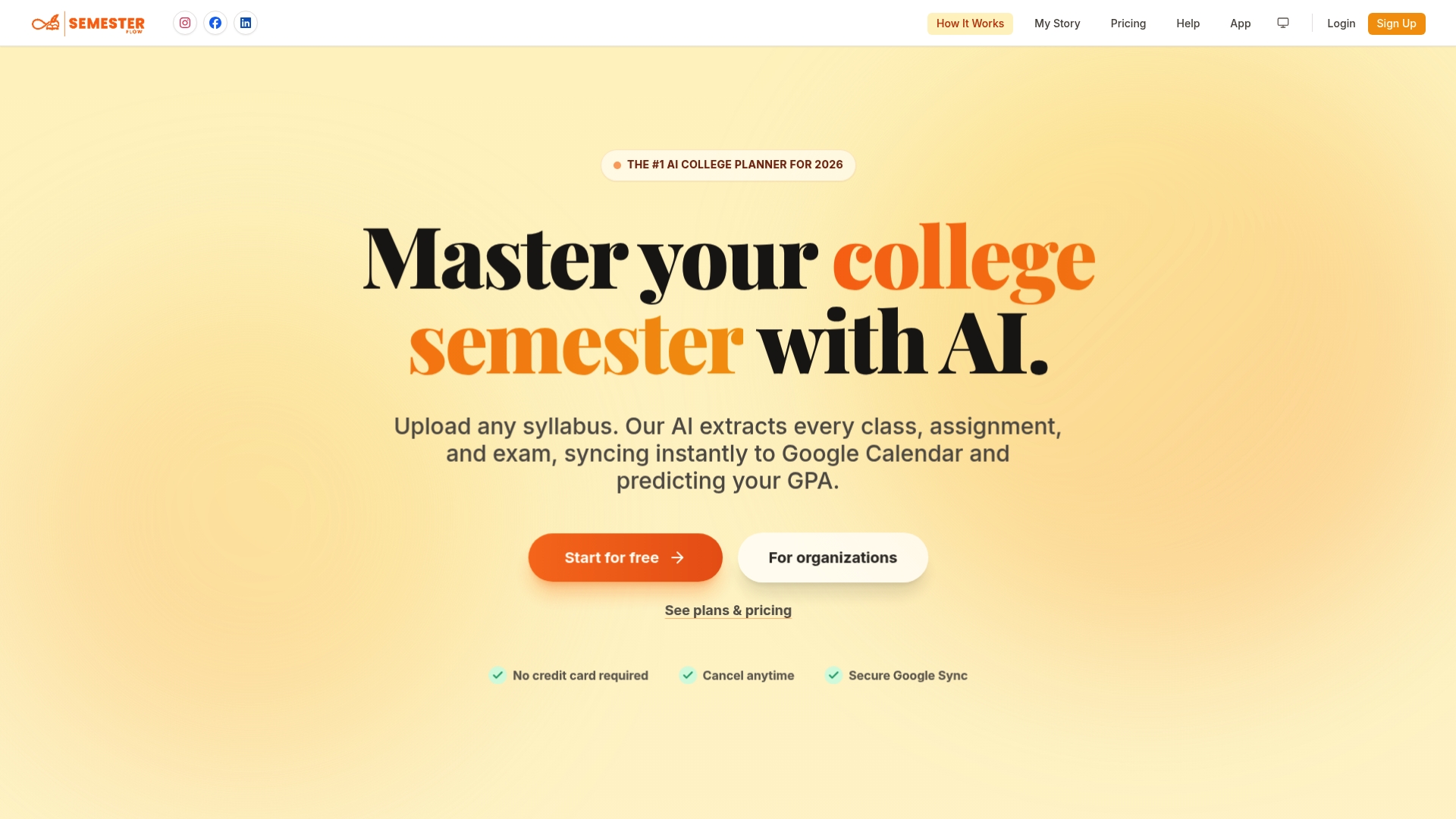
See the plans on our pricing page, or go straight to Semester Flow and upload your first syllabus.
If overload keeps getting in the way
Sometimes the settings are right and you still feel scattered, anxious or unable to concentrate. A few steps, in order:
- Name it. TimelyCare's guidance suggests naming the overload, time-boxing tech use and building an off-ramp ritual, such as a short walk or stretch, at the end of a study session.
- Look at the workload. If the number of commitments is the real issue, check whether your credit load is sustainable. Our guide to credit overload rules and petitions explains the options.
- Watch for early warning signs. Skipped classes and unread messages often come before a grade drop. Our piece on attendance drops as early signs covers what to look for.
- Talk to someone on campus. If you feel persistently anxious, cannot sleep or cannot focus even with alerts off, contact your campus counseling center or your academic advisor. That is a health and support question, not a settings question.
If you use apps that handle personal and academic data, it is also worth reading a student app privacy checklist before you connect more accounts.
FAQ
Is it bad to turn off all notifications as a student?
Turning everything off is rarely necessary and can backfire if a deadline change is posted only to one platform. Keep calendar reminders, key people and your course platform on an allow-list, and batch the rest. A 2025 study found that regular, relevant push notifications helped students submit work faster.
How often should I check email and messages if I mute them?
Two scheduled check-ins a day works for many students. TimelyCare describes two 30-minute blocks, and UNC's Learning Center recommends designated daily times. Adjust to your classes: if instructors post time-sensitive notices, add a brief check before your first class.
Does putting my phone in another room really help?
Yes, it removes the pull of alerts you would otherwise glance at. UNC's Learning Center recommends turning off notifications and keeping the phone in another room or your bag. Start with one study block a day and extend it as it becomes a habit.
How do I make sure I never miss a deadline once I mute alerts?
Put every due date in one calendar you check daily. With Semester Flow you upload each syllabus and the assignments and exams sync to Google Calendar, so a muted phone does not mean a missed due date. Then keep only the calendar reminders in your allow-list.
Sources
- The experience of mobile information overload (Feng and Agosto, Information Research, 2017)
- Digital Overload among College Students (2021)
- Effects of task interruptions caused by notifications from communication applications (2023)
- Efficient, helpful, or distracting? A literature review of media multitasking (2018)
- Digital distractions in education: a systematic review (2025)
- Alert Fatigue and Smartphone Notifications: A Mixed-methods Study (2025)
- You have a notification: the role of push notifications in online learning (2025)
- Student Programming Behavior With and Without Phone Notifications (Utah State University, 2026)
- Digital Distractions, UNC Learning Center
- Focus Routine for College, Farmingdale State College (2025)
- Connected, Curious, and Kinda Overwhelmed, TimelyCare (2025)